Team members
Send it in and move on.
- Submit from a phone in the moment
- Check the details before sending
- Keep the receipt with the expense
Receiptor captures receipts from phones, Gmail and uploads. It reads the merchant, date, sales tax and total, keeps the original attached, and files each one as an expense your team can approve and export.
Each person sends expenses in as they happen. Receiptor fills in the details, you check them, and the work keeps moving.
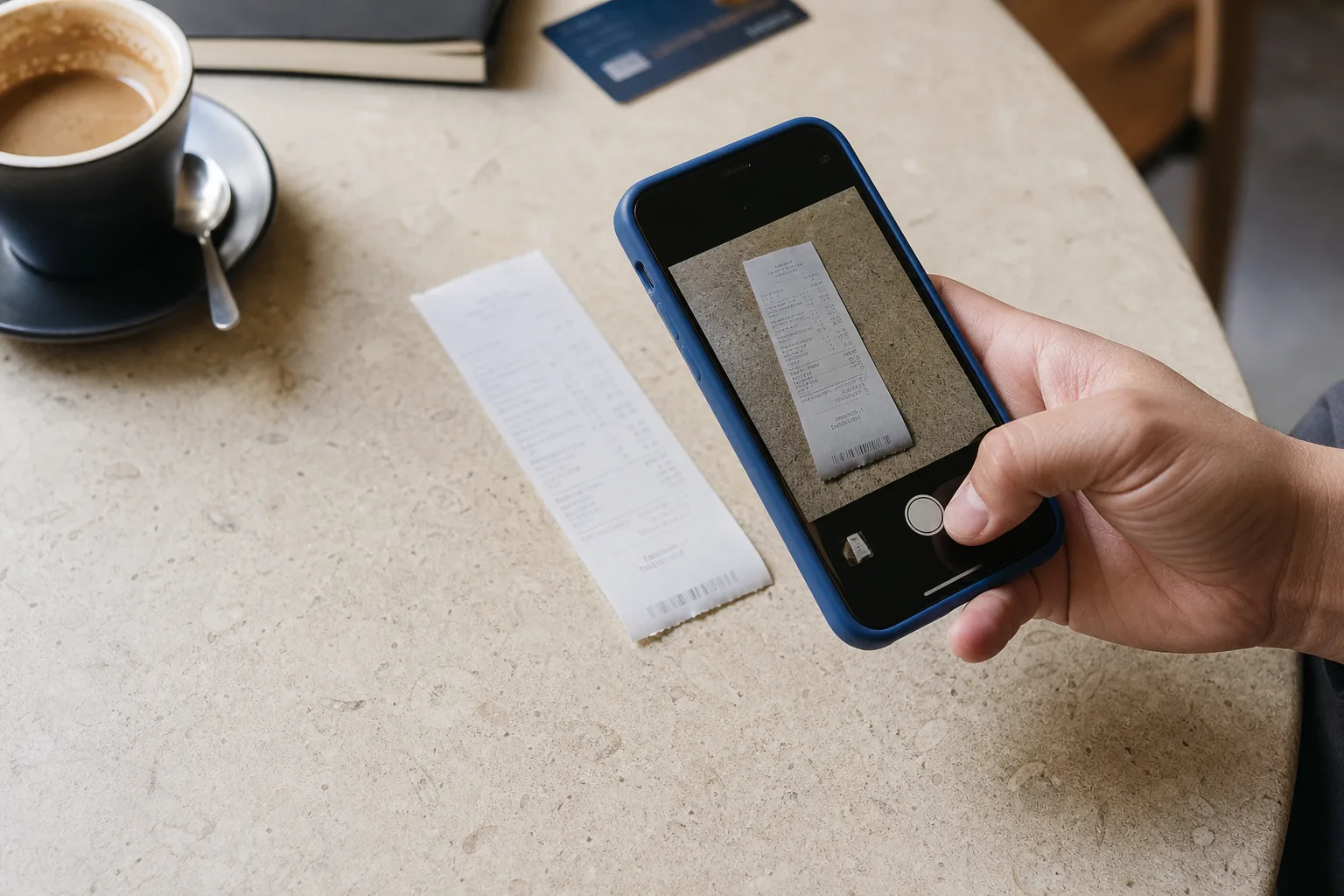
Step 1
Send each receipt in while it’s still in hand. No shoebox at month end.
Step 2
Merchant, date, amounts, tax lines and category are filled in. Correct anything before it’s submitted.
Step 3
Group expenses into reports, send them for approval, and download them for your books.
Whether you keep your own books or a client’s, every expense arrives with its receipt and its tax already separated.
The original photo or PDF stays attached to the expense, ready for review or an audit.
GST, HST, PST and QST are read from each receipt, so tax amounts aren’t keyed in again.
Receipts in other currencies are converted to your workspace currency for reporting.
Download any report as CSV with the columns you need: date, vendor, category, tax, total and currency.
| Date | Vendor | Tax | Total |
|---|---|---|---|
| Sep 18 | Northline Office Supply Office Supplies | 9.59 GST + PST | 89.50 |
| Sep 16 | Lakeshore Print Co. Printing | 15.60 HST | 135.60 |
| Sep 12 | Café Côté Meals | 3.00 GST + QST | 23.00 |
| Sep 9 | Harbour Cafe Meals | 2.04 GST | 42.80 |
| Total (CAD) | 30.23 | 290.90 | |
Receipts attached: 4 of 4
Send it in and move on.
See what’s ready and what isn’t.
Something else? Ask us directly.
Take a photo in the iPhone or Android app, upload a PDF or image, or connect Gmail to bring in receipt and invoice emails.
Yes. Check the merchant, date, amounts, tax lines and category, and correct anything before the expense is submitted.
GST, HST, PST and QST on Canadian receipts. Each tax line stays on the expense, so it can be reviewed later.
Yes. Invite them to your workspace and choose their role, for example approver. Each person in the workspace is a user on your plan.
Group expenses into a report, then download it as a CSV file with the columns you choose: date, vendor, category, tax, total, currency and more.
No. Receiptor keeps expense records organized so you can review them, or use them while preparing your books with a qualified professional.
Free for 7 days. Cancel anytime from your workspace’s billing page.